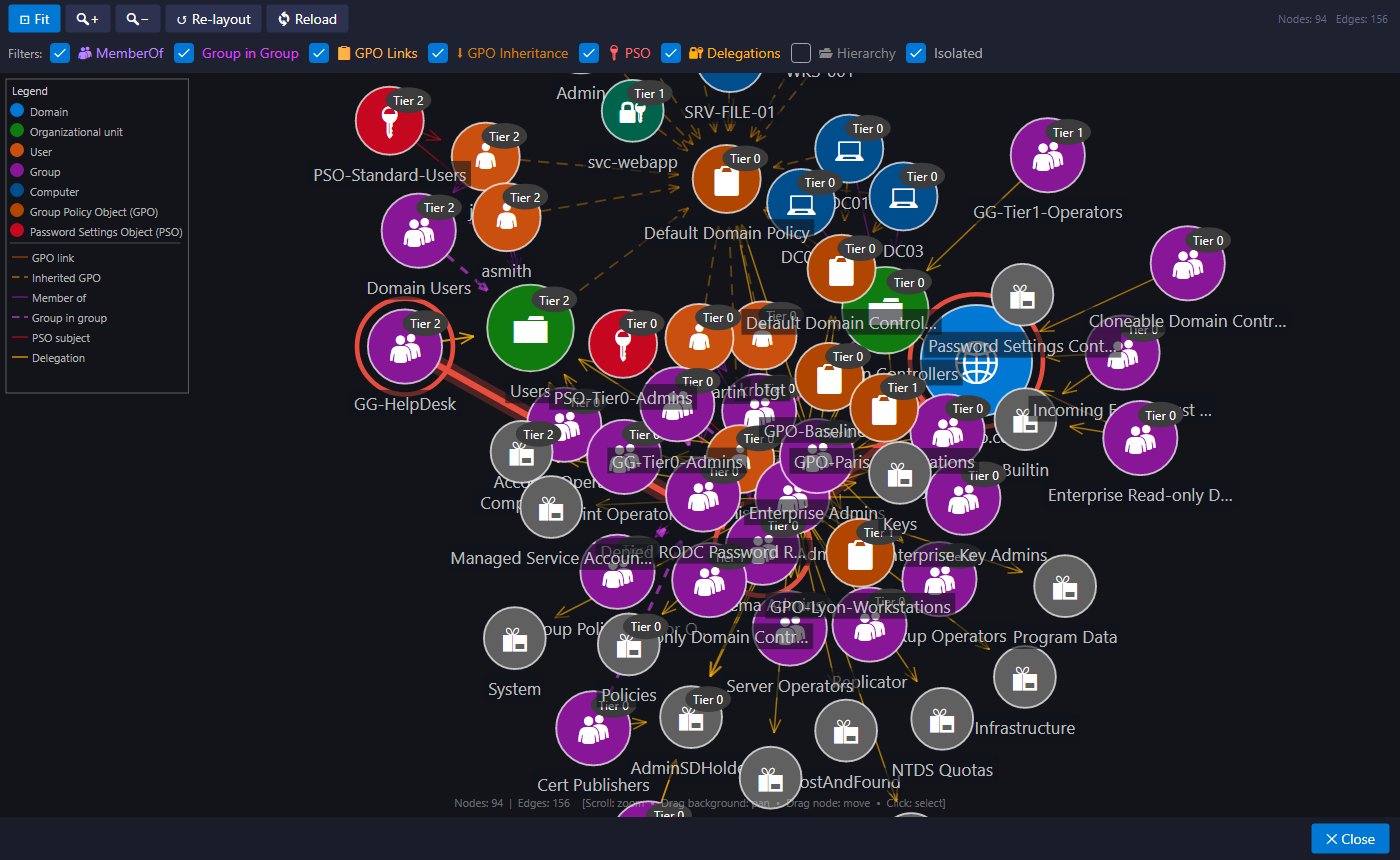
The relations graph
View > Graph View... (or the Graph button) draws objects and their links with a force-directed layout: linked objects move closer, the others move apart.
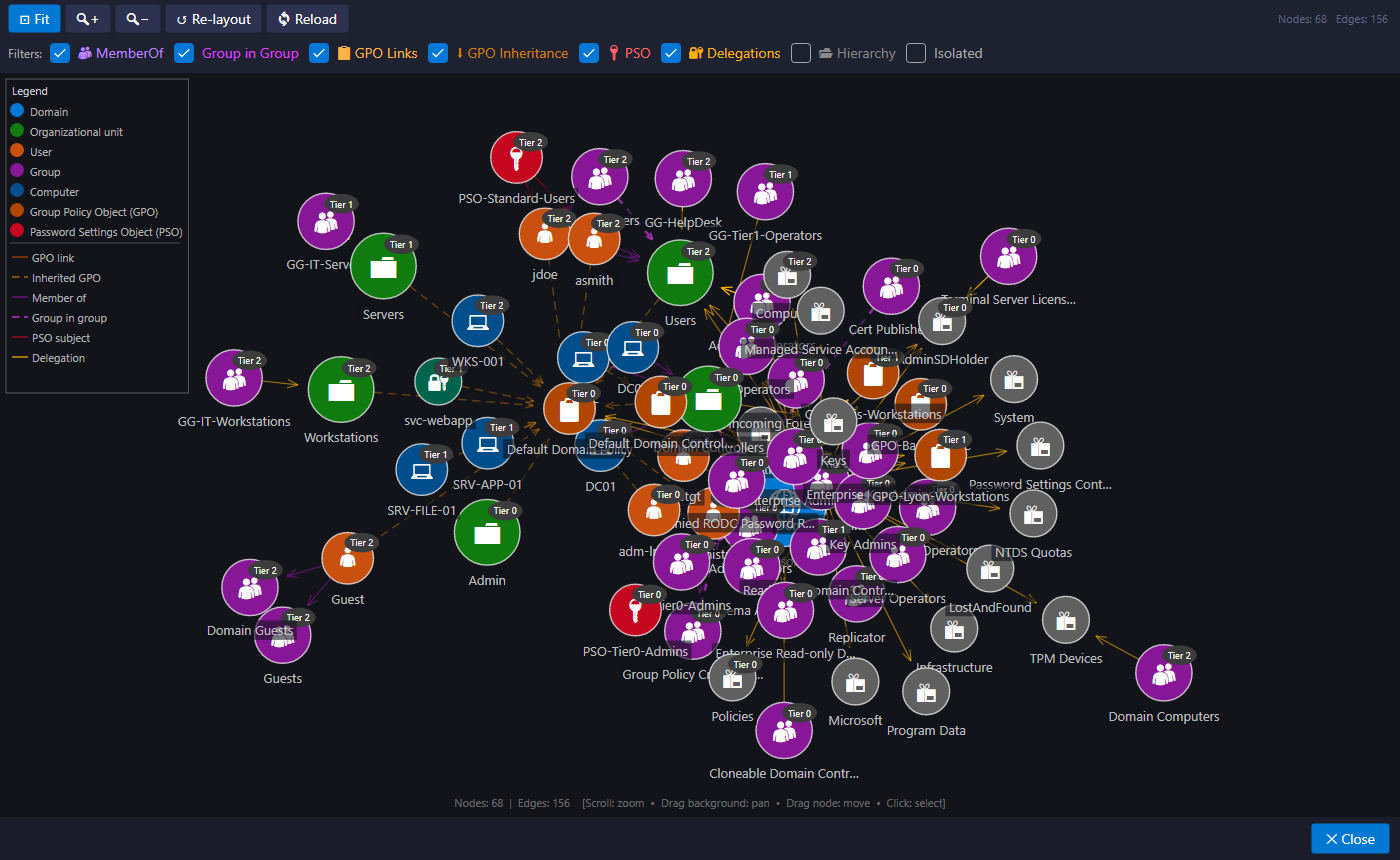
What is drawn
| Link | Meaning |
|---|---|
| MemberOf | an account is a member of a group |
| Group in Group | a group is nested in another |
| GPO link / inherited GPO | a GPO applies to an OU, directly or through inheritance |
| PSO Subject | a PSO applies to an account or a group |
| Delegation | a trustee has delegated rights over an object |
| Hierarchy | the tree's parent-child links (off by default) |
Checkboxes filter link types, and Isolated shows or hides objects without links.
Navigating
| Gesture | Effect |
|---|---|
| Mouse wheel | zoom |
| Drag the background | pan |
| Drag a node | move it |
| Click a node | select it and show its details |
| Fit | frame the whole graph, or the highlighted attack path |
| Re-layout | restart the layout |
An attack path in the graph
From the Attack paths window, Show in graph opens the graph with the path highlighted in red: arrows in the direction of the attack and rings around the objects it goes through. Once the layout settles, the view automatically frames the path.