HGPM
HGPM is a Group Policy management console, in the spirit of GPMC, written in PowerShell 7 with an Avalonia interface. It runs on Windows and Linux, and manages the GPOs of Samba AD and Windows Active Directory domains alike.
A product of the Hardenad community
HGPM is a product of the Hardenad community. About, in the
launcher (Start-HGPM), gives the version of the module installed
and links to hardenad.net.
What it does
-
The launcher
Start-HGPM: a tile for each tool of HGPM, in the language and the theme chosen for all of them. The launcher -
Group Policy Management view
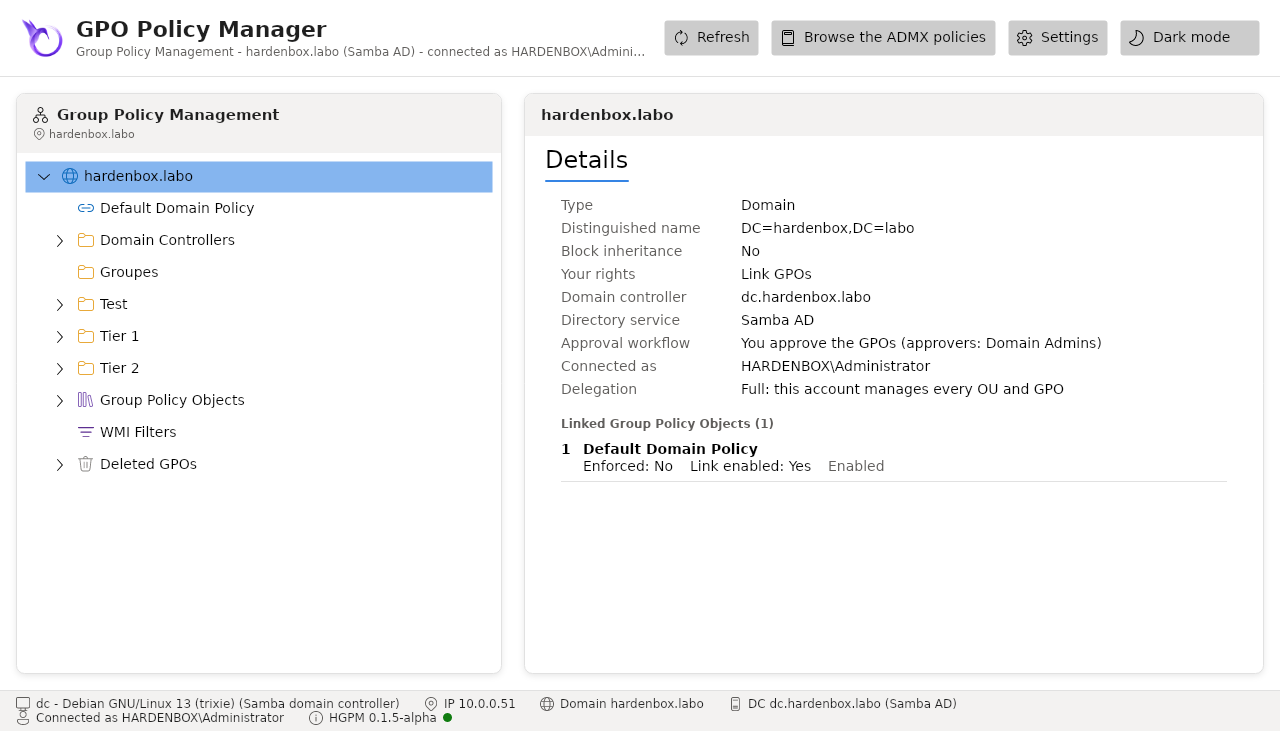
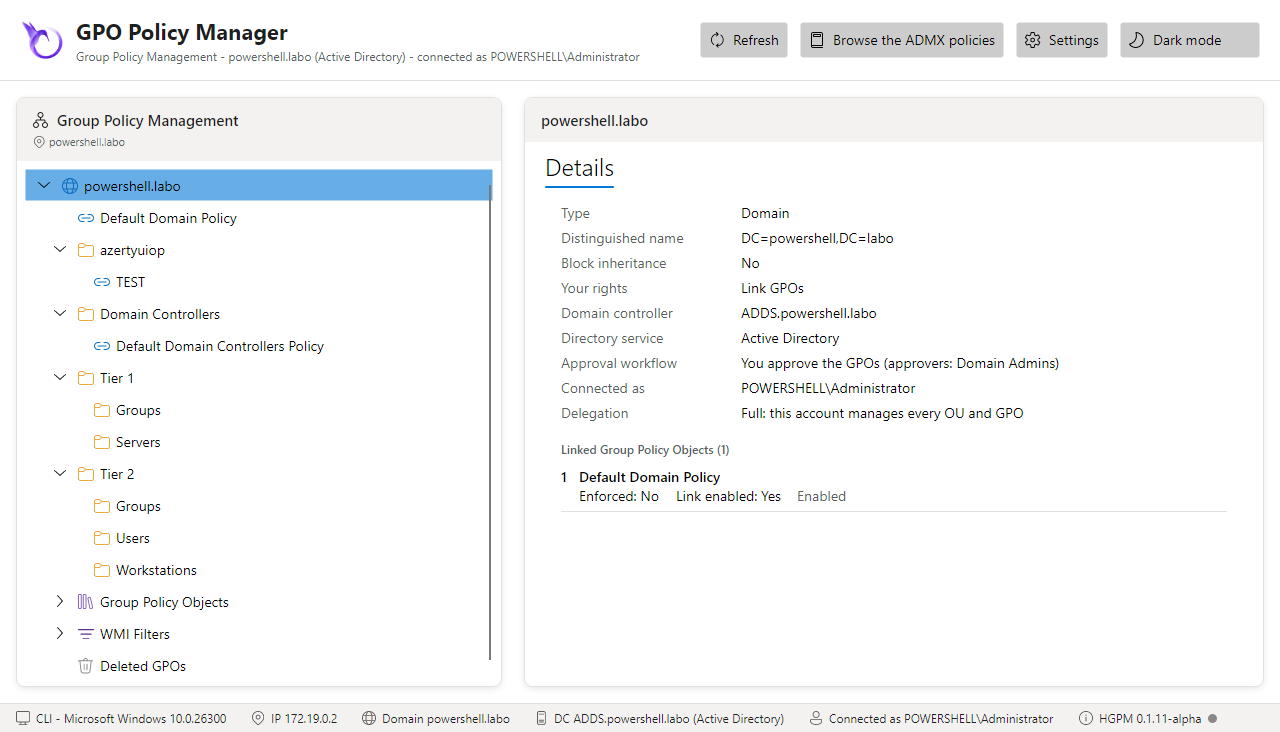
The domain, its OUs and their GPO links, the Group Policy Objects, as GPMC shows them; create, link, delete and restore GPOs, enforce, disable and order their links, block the inheritance, set their status and security filtering. The console
-
Policy editor
The administrative templates (ADMX/ADML), the security settings (GptTmpl.inf) and the Group Policy Preferences of a GPO, read from SYSVOL and saved there. The policy editor
-
History and approval
Backups with comments and labels, a timeline of each GPO, the differences between two versions, restore, drift from the approved version, and an approval workflow Tier 0 / Tier 1. Backups and history
-
Rights of the domain
The console offers what the account manages (its delegations) and shows the rest read only, the configuration is the one of the domain (SYSVOL), and the workflow relies on the ACLs of the directory and of SYSVOL only. Delegation
-
Password policies (PSO)
A second console,
Show-PSOManagerAvalonia, for the fine-grained password policies, as the Active Directory Administrative Center: create and apply them, and see which one applies to a user or a group, and why. Password policies -
WMI Filter Creator
WMI filters built from ready-made queries or a query builder, checked as they are typed, tested on the computer, exported to
.mofor created in the domain. WMI filter creator -
Policy Analyzer
GPOs, backups and the security baselines of Microsoft compared setting by setting, with the
.PolicyRulesfiles of the Security Compliance Toolkit; a baseline written in a GPO. Policy Analyzer -
Audit log
What the consoles and the commands changed in the domain, on by default: who, when, from where, on which GPO, filtered and exported to CSV. Audit log
At a glance
| Runs on | Windows 10/11 and Server, Linux (Debian, Ubuntu, RHEL...), with PowerShell 7.4 or later |
| Domains | Samba AD (4.x) and Active Directory (Windows Server domain controllers) |
| Directory | LDAP (System.DirectoryServices.Protocols), Kerberos; LDAPS with a password |
| SYSVOL | The UNC path on Windows; smbclient and the Samba Python bindings on Linux |
| GPO creation and deletion | RSAT (New-GPO, Remove-GPO) on Windows; samba-tool on Linux |
| Interface | Avalonia 11, installed on the first opening of the window |
Where to start
- Install the module and what it needs on your platform.
- Start the launcher and open a tool on your domain.
- Follow a workflow: create and link a GPO, back it up and restore it, approve the GPOs of the Tier 1 technicians.
The screenshots of this documentation come from the lab: a Samba AD
domain hardenbox.labo and a Windows domain powershell.labo.