Recycle bin and templates
Delete a GPO, and get it back
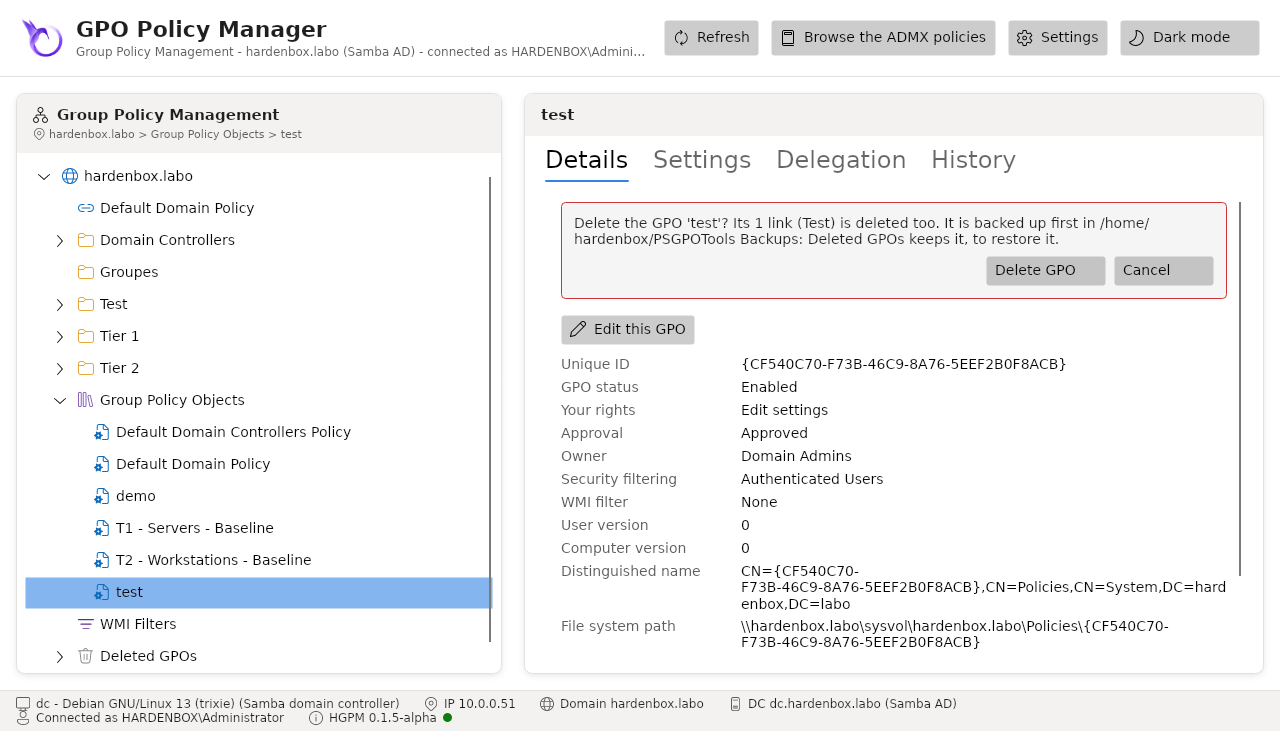
- Right click the GPO in Group Policy Objects > Delete GPO...: the confirmation lists its links, deleted with it, and the folder where it is backed up first.
- Delete GPO. It goes to Deleted GPOs, with its last backup saying when and by whom.
- Later: Deleted GPOs > the GPO > Restore this GPO... (or Restore... in its menu).
- Keep Link it again where it was checked, Restore.
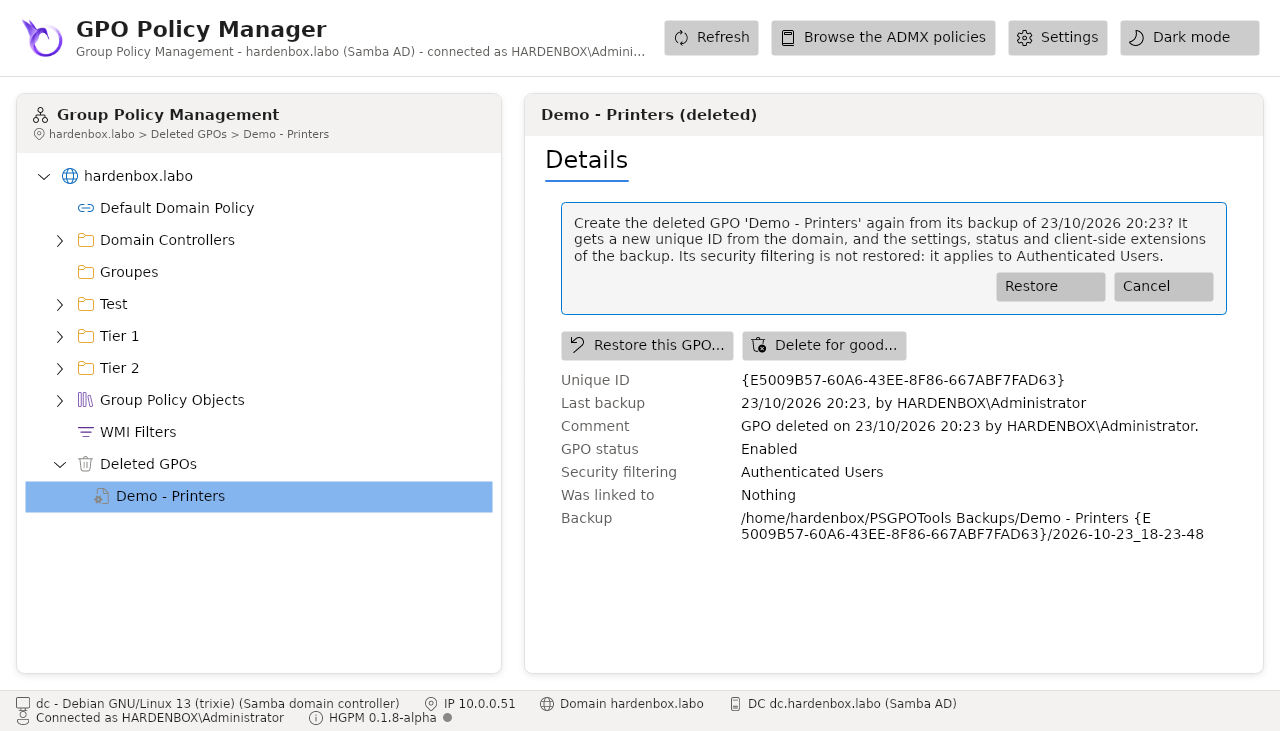
The GPO comes back with a new GUID, its name, settings, status and client-side extensions. It is linked again to its OUs that still exist, when its security filtering was Authenticated Users and its links were enabled; otherwise the console says what to set before linking it.
Remove-PSGPO -Server dc.hardenbox.labo -Name 'Demo - Printers' -BackupPath /srv/gpo-backups
Get-PSGPOBackup -Server dc.hardenbox.labo -Path /srv/gpo-backups -Deleted |
    Where-Object DisplayName -EQ 'Demo - Printers' | Restore-PSGPO -Server dc.hardenbox.labo -RestoreLink
Start new GPOs from a template
- Build a GPO with the settings every new one should have, and back it up.
- History tab > select its backup > check Template > Save notes.
- Right click an OU > Create a GPO in this domain, and Link it here... > Start from: the template.
The new GPO starts with the settings of the template, checked against their SHA-256; its own status, security filtering groups and link are those of the form. A template can come from another domain: a test domain prepares the baselines of production.