The launcher
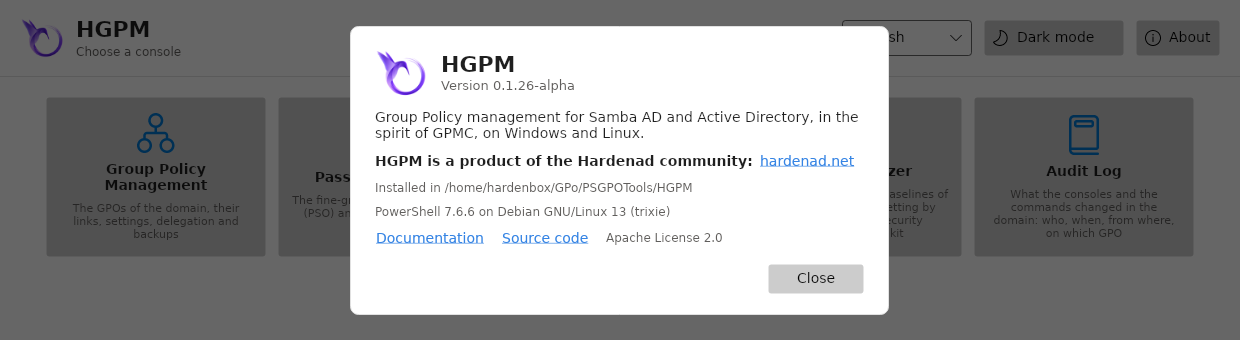
Start-HGPM opens the launcher of HGPM: a tile for each of its tools. A click on a tile opens the
tool, in the language of the launcher, in a PowerShell process of its own: several tools can be
open at once, a tool that fails does not close the others, and they stay open once the launcher is
closed. The tile of an open tool is disabled until its window is closed.
The tools
| Tool | Command | What it does | |
|---|---|---|---|
 |
Group Policy Management | Show-GPOManagerAvalonia |
The GPOs of the domain, their links, settings, delegation and backups, as GPMC |
 |
Password Settings | Show-PSOManagerAvalonia |
The fine-grained password policies (PSO), and the one a user or a group gets |
 |
WMI Filter Creator | Show-WmiFilterCreatorAvalonia |
WMI filters built from ready-made queries, checked, tested, exported to .mof |
 |
Policy Analyzer | Show-PolicyAnalyzerAvalonia |
GPOs and the security baselines of Microsoft compared setting by setting |
 |
Audit Log | Show-AuditLogAvalonia |
What the consoles and the commands changed in the domain: who, when, from where, on which GPO |
A tile opens its tool with its default parameters: the domain of the computer, the ADMX files last
chosen. To give a tool parameters (-Server, -Credential, -PolicyDefinitions...), run its
command instead. When a tool cannot open, the launcher says why under its tiles.
Language and theme
- The list of languages (English, Français) changes the language of the launcher at once, and
of the tools opened after. The choice is kept in the settings of the user:
Start-HGPMstarts on it the next time;Start-HGPM -Languagestill chooses another one. - Dark mode / Light mode changes the theme of every window of HGPM: the launcher, the tools open and those opened after, and the windows they open (ADMX files, configuration...). The choice is kept in the settings of the user too: the tools open in their own processes follow it within a second, and the next start begins on it.
About
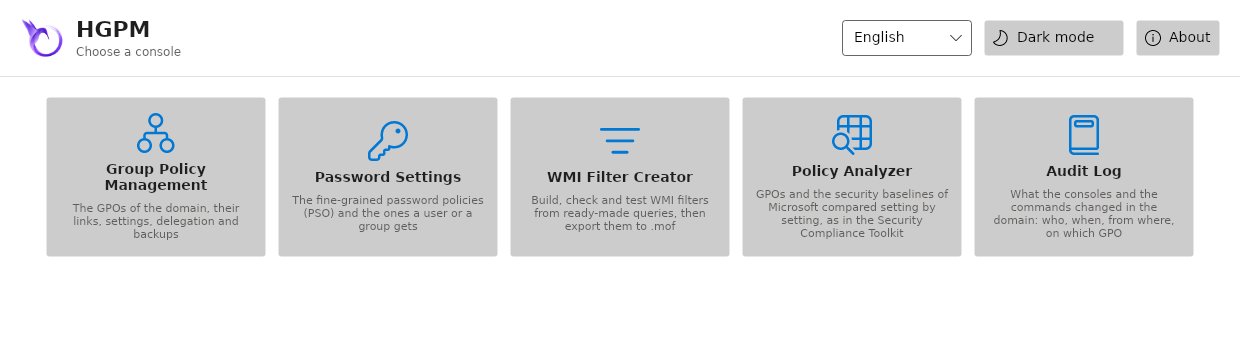
About, at the right of the header, says which HGPM this is: the version of the module installed and the folder it runs from, the version of PowerShell and the system. It links to the documentation (in the language of the launcher), to the source code, and to hardenad.net: HGPM is a product of the Hardenad community. The links open in the browser of the system; Close, or Escape, goes back to the tiles.