First steps
Start with the launcher
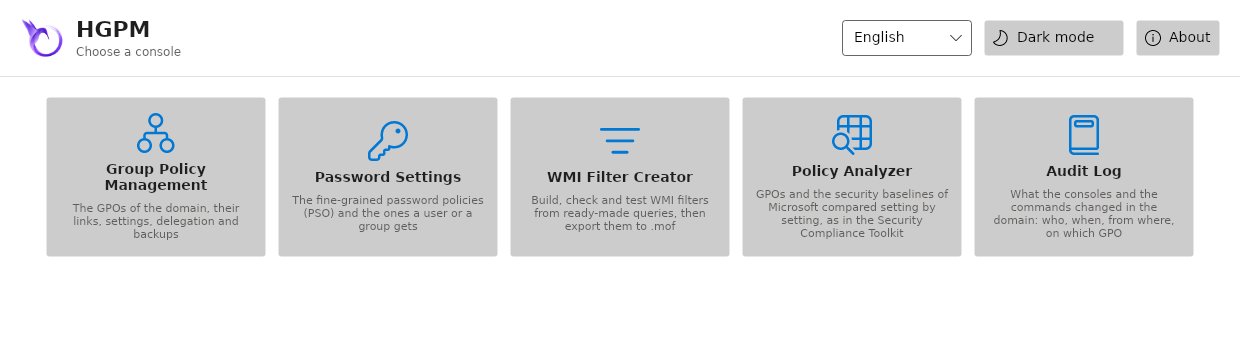
The launcher has a tile for each tool of HGPM: Group Policy Management, Password Settings, WMI Filter Creator, Policy Analyzer and Audit Log. A click opens the tool on the domain of the computer, in the language chosen in its list. Each tool is also a command, which takes the parameters the tile does not give, as below.
Open the console on your domain
Without parameters, the console finds the domain itself: the domain of the computer (Windows,
or smb.conf / krb5.conf on Linux), or the computer itself when it is a domain controller.
Give the domain controller when it cannot:
# Linux: a Kerberos ticket first
kinit administrator@HARDENBOX.LABO
Show-GPOManagerAvalonia -Server dc.hardenbox.labo
When the domain cannot be read (no ticket, server unreachable...), the window still opens and says why. When no domain is found at all, it shows a sample directory under a demonstration environment banner, to discover the console offline.
The administrative templates
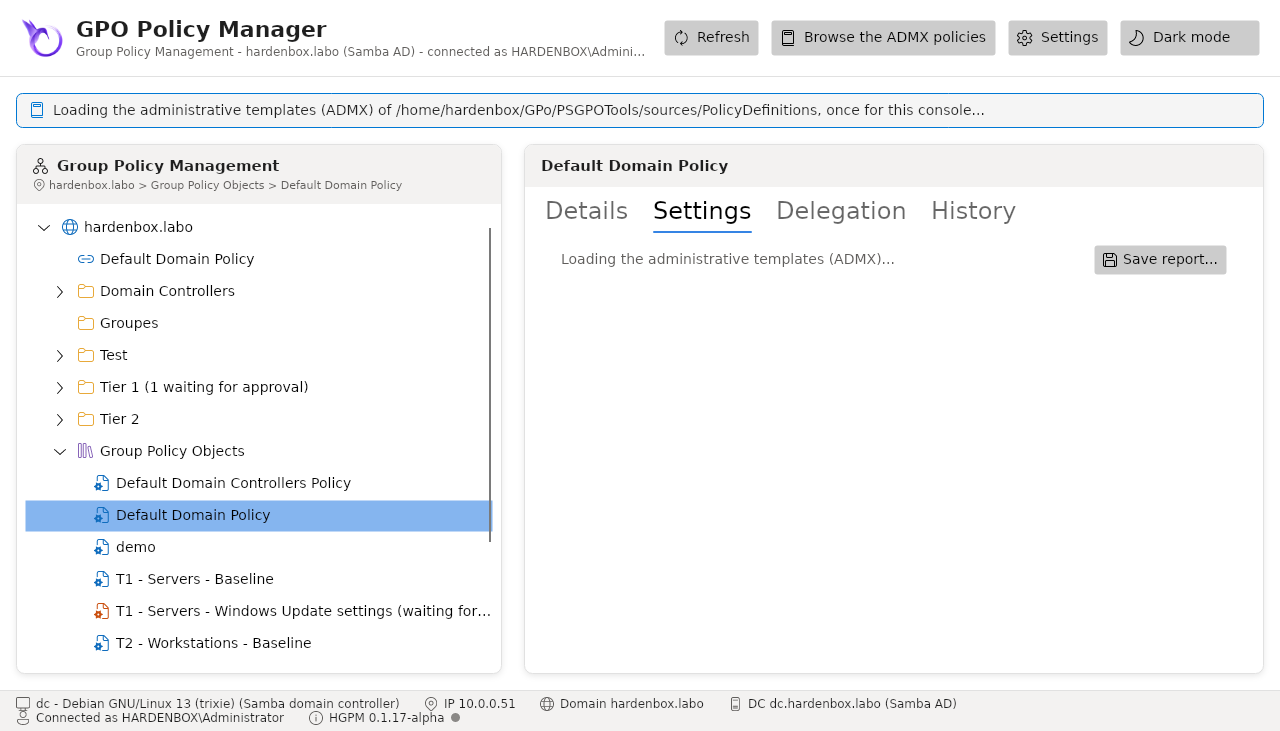
The policy editor needs the ADMX and ADML files. The first time, when no central store of the
domain is found, a window asks for the PolicyDefinitions folder (the local one on Windows, a copy
or the central store of SYSVOL on Linux) and the language of its ADML files, detected from the
names of its language folders; the choice is remembered, and asked for again after a load that
failed. After that, the console opens at once and reads them the first time it needs them (the
editor, the Settings and History tabs, a report), under a banner: a few seconds once, then
about a second from the cache of the files read before. A template without an ADML in the language
takes the one of en-US, as the Group Policy editor, and a file that cannot be read is left out:
the banner names it.
You can also load them beforehand:
Initialize-PSGPOAdmx -Path \\hardenbox.labo\SYSVOL\hardenbox.labo\Policies\PolicyDefinitions -UICulture en-US
Show-GPOManagerAvalonia
Find your way in the window
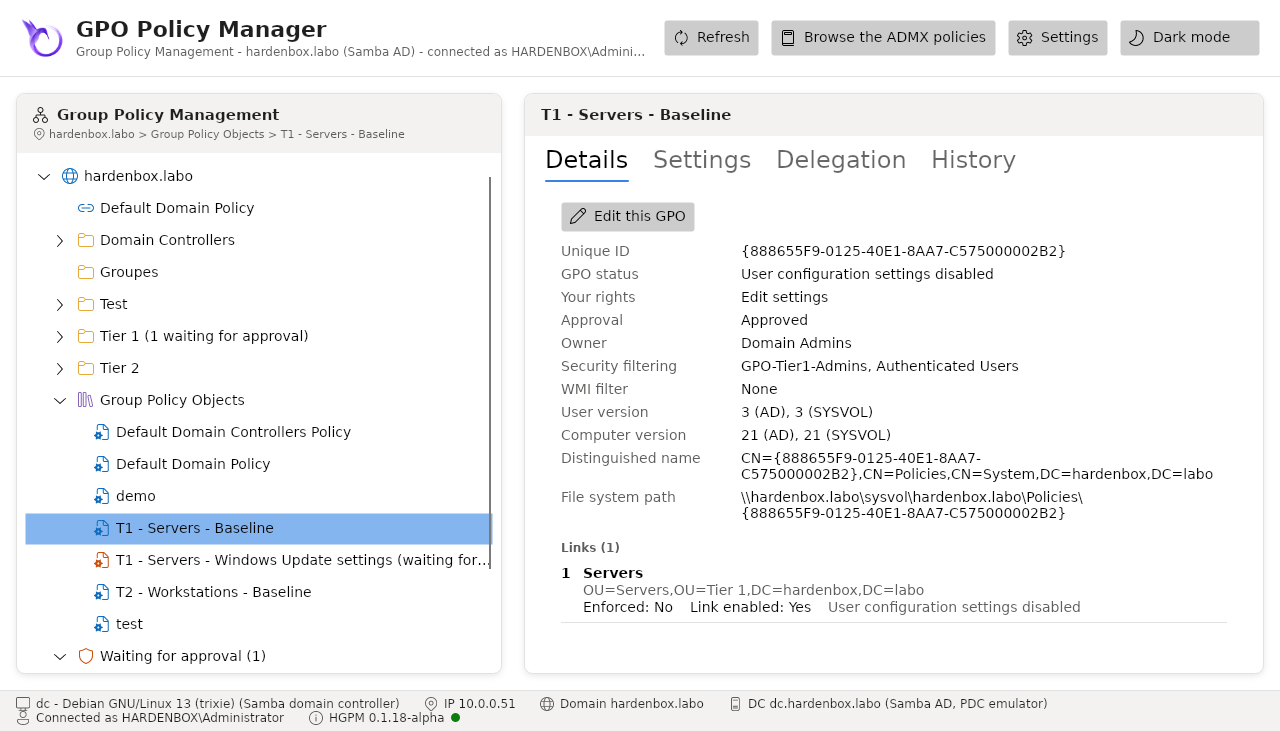
- Left: the domain, its OUs with their GPO links (by link order), Group Policy Objects, and Deleted GPOs (the recycle bin, from the backups).
- Right: the details of what is selected, and for a GPO its Settings and History tabs.
- Right click: what you can do there, as GPMC (create and link, link an existing GPO, edit, delete a link, delete, restore, approve...). Only what your account may do is offered.
- Top: the ADMX browser, the Settings window (configuration of the domain), light and dark themes.
- Bottom: this computer, its domain, and the domain controller with its directory service.
The console of the password policies
Show-PSOManagerAvalonia opens the second console of HGPM, for the fine-grained password policies
(PSO) of the domain, as the Active Directory Administrative Center: the same -Server, -Credential,
-UseSsl and -Language.
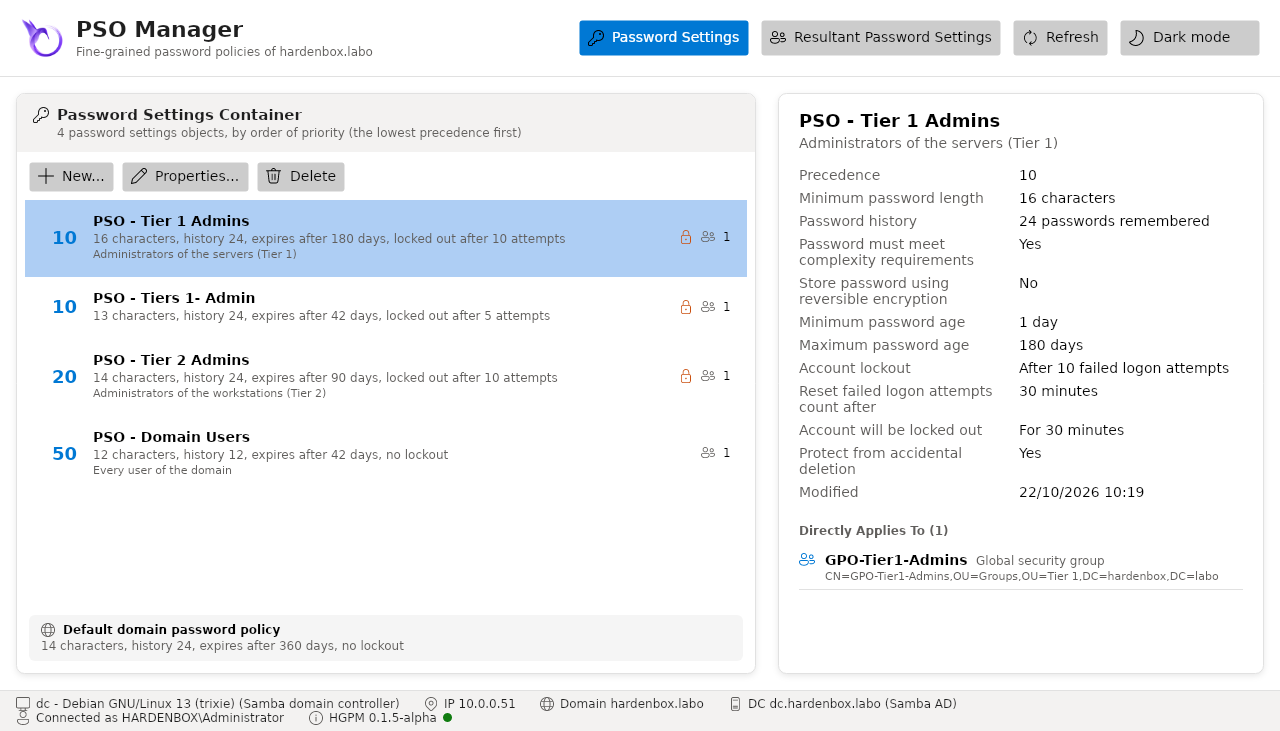
See password policies.
From the command line
Everything the window does is also a command, for scripts and scheduled tasks:
$Directory = Get-PSGPODirectory -Server dc.hardenbox.labo
Backup-PSGPO -Directory $Directory -Path /srv/gpo-backups
Get-PSGPODrift -Directory $Directory -Path /srv/gpo-backups | Where-Object State -EQ Drifted
See the commands.